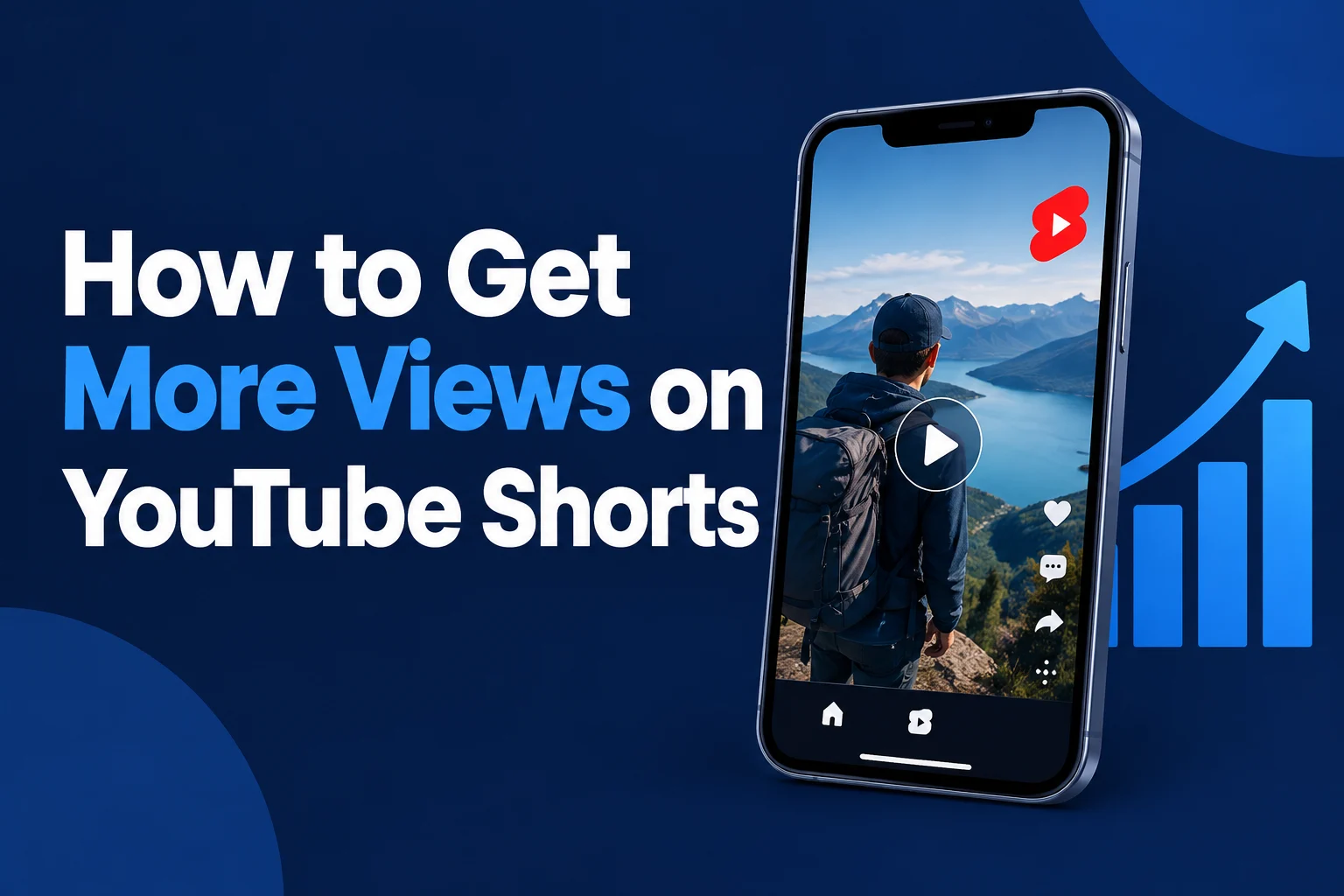
How to Get More Views on YouTube Shorts?
how to get more views on YouTube Shorts with practical tips for stronger hooks, better retention, useful analytics, and consistent growth.
A YouTube Short can introduce your channel to people who have never heard of you. But getting those viewers to stop scrolling-and stay long enough to care-takes more than uploading a vertical video and adding a few hashtags.
If you want to learn how to get more views on YouTube Shorts, start with three questions: Is the topic interesting to the right audience? Does the opening make the video worth watching? And does the rest deliver on that promise?
This guide walks through a practical way to improve each part, from choosing ideas and writing titles to reading your analytics. There is no guaranteed formula for going viral, but there is a repeatable process for making better Shorts and learning from the results.
How the YouTube Shorts Recommendation System Works
YouTube recommends Shorts based on a combination of viewer personalization and video performance. The platform says it considers signals such as whether viewers choose to watch or swipe away, how long they watch, the average percentage viewed, and signs of enjoyment such as likes and post-watch surveys.
Recommendations are also personalized. Someone who regularly watches gardening videos may see different Shorts from someone interested in gaming. Topic interest, competition, and seasonality can affect how many people see a video, too.
YouTube says it does not favor a particular Shorts format. A talking-head explanation, a screen recording, or a simple demonstration can all work when they serve the audience. Read YouTube's official Shorts search and discovery guidance for the platform's explanation.
What this means in practice: Don't look for a secret algorithm trick. Make a clear promise to a specific viewer, deliver it efficiently, and use your data to see where the experience can improve.
How to Get More Views on YouTube Shorts: 10 Practical Strategies
1. Start With a Hook That Gives Viewers a Reason to Stay
The first few seconds should tell viewers what they are about to get. Instead of opening with a logo, a long greeting, or background information, lead with the problem, result, surprise, or action.
Try hooks like these:
- Problem: “If your herbs keep wilting, check this before you water them again.”
- Result: “Here's how I made this tiny desk look twice as organized.”
- Curiosity: “This common camera setting can make indoor footage look much darker.”
- Demonstration: Show the finished repair first, then explain the steps.
A hook should make a promise the video actually fulfills. “You won't believe this!” is less useful than showing the specific result or explaining the problem. Curiosity helps only when viewers trust that an answer is coming.
Quick test: Watch your opening without sound. Can a new viewer understand what is happening from the image and on-screen text? Then listen without looking. Does the first sentence still make sense?
2. Choose Topics Your Audience Already Cares About
Good Shorts ideas often begin with a small, specific question rather than a broad subject. “Fitness tips” is vague; “how to adjust a desk chair to reduce neck strain” gives a viewer a clearer reason to watch.
Build an idea list from:
- Questions viewers ask in your comments or in your community.
- Problems beginners repeatedly run into in your niche.
- Search suggestions and relevant search terms in YouTube Analytics.
- One useful moment from a longer tutorial, demonstration, or review.
- Topics your existing audience has responded to, explored from a new angle.
For example, a cooking channel could turn “meal prep” into “how to stop cut apples from browning,” “one sauce for three lunches,” or “the container mistake that makes salad soggy.” Each idea is narrow enough to demonstrate in a Short.
For more ways to turn audience questions into topics, read how to find the best YouTube keywords for your videos. A keyword is a useful clue about a viewer's intent-not a substitute for an interesting video.
3. Write Clear, Searchable Shorts Titles
A title can help people understand your Short in search results and other places where it appears. YouTube says search ranking considers factors including how well metadata matches a viewer's search and whether viewers click and watch. In the Shorts feed, the video itself still has to earn attention.
Use the main topic naturally, add a useful detail, and make sure the video delivers what the title promises.
- Weak: “Amazing Plant Hack!!!”
Better: “How to Tell If Your Plant Needs Water” - Weak: “You Have to Try This”
Better: “A Simple Way to Organize Charging Cables” - Weak: “Camera Tips #viral #fyp #shorts”
Better: “Fix Dark Indoor Video With This Camera Setting”
If you are stuck, use the YouTube title generator to brainstorm variations, then edit the suggestion so it accurately describes your video. The guide to writing YouTube titles that get more clicks can also help you sharpen the wording.
4. Make Your Video Easy to Watch on a Phone
Shorts are often viewed on small screens, so clarity matters more than elaborate production. A vertical 9:16 video-for example, 1080 × 1920 pixels-is a practical starting point. YouTube also categorizes eligible square videos up to three minutes as Shorts; vertical simply uses the phone screen well.
- Use a steady shot and enough light to make the subject clear.
- Prioritize understandable speech over background music.
- Keep captions readable and check that they are accurate.
- Leave space around important text so it is less likely to be covered by interface elements.
- Crop carefully when repurposing a horizontal video; keep the key action visible.
Preview the finished Short on your phone before publishing. Tiny text, an obscured demonstration, or a loud music track can make an otherwise useful video difficult to follow.
5. Improve Retention by Giving Every Moment a Job
Retention is not about cutting as fast as possible. It is about making the next moment worth watching. Remove repetition and pauses that do not add meaning, but give viewers enough time to understand what you are showing.
These techniques are practical starting points:
- Show progress: In a repair Short, move from the problem to the first fix to the result, rather than describing every tool first.
- Make changes meaningful: Switch to a close-up when a detail matters, not just to add movement.
- Use text as a guide: Label a step or highlight a key measurement instead of filling the screen with a transcript.
- Deliver the payoff: If the hook promises a comparison, show the comparison before the video ends.
- End cleanly: Once the question is answered, avoid stretching the video with a long sign-off.
For example, replace “Today I'm going to show you three ways to clean your keyboard, but first let me explain what I use” with a close-up of the dirty keys and: “Clean between your keys without pushing dirt farther inside.” Then demonstrate the method.
6. Use Simple Storytelling and Formats You Can Repeat
Even a short tutorial can have a beginning, middle, and end: a problem, an attempt, and a result. Structure makes the video easier to follow and gives viewers a reason to stay for the outcome.
Try one of these formats:
- Before and after: Show a cluttered shelf, make one change, and reveal the result.
- Mistake and fix: Demonstrate a common editing mistake and the setting that corrects it.
- Question and answer: Answer one specific question from a viewer.
- Comparison: Test two methods under the same conditions and explain the difference.
- Mini-story: Explain the challenge, show what you tried, and share what happened.
Repeatable does not have to mean repetitive. Keep the structure if it works, but change the problem, example, or perspective so each Short gives viewers something useful.
7. Use Hashtags and Descriptions for Context, Not as a Shortcut
YouTube Shorts hashtags can connect a video to related content and hashtag search results. They do not guarantee that a Short will be recommended. Choose a small number that genuinely describe the video rather than adding a long list of unrelated trending terms.
For a Short about growing basil indoors, relevant examples might include #Basil and #IndoorGardening. A general hashtag such as #Shorts can be used, but it cannot make an unrelated or weak video compelling.
YouTube says that if a video has more than 60 hashtags, it ignores all of them; misleading hashtags can also violate its policies. See the official hashtag guidance.
The YouTube hashtag generator can help you brainstorm relevant options. For the description, explain the video's subject in plain language and add useful context where appropriate. Our guide to creating an SEO-friendly YouTube description covers the basics.
8. Match the Length to the Idea
There is no universally best length for a YouTube Short. A quick visual tip might need only a few seconds; a comparison or mini-tutorial may need longer to make sense. Eligible square or vertical uploads can be up to three minutes long, according to YouTube's Shorts length guidance.
Write the shortest version that still delivers the full value. If the viewer needs to see a measurement, hear an important warning, or understand a result, keep that information. Cut the repeated explanation instead.
When comparing lengths, compare similar ideas and formats. A 20-second demonstration and a 90-second story set different expectations, so a single retention percentage does not tell the whole story.
9. Use Trends and Sounds Only When They Fit
A popular sound or timely topic can provide a familiar entry point, but the idea still needs to make sense for your audience. Before joining a trend, ask: “Can I add a useful example, a recognizable problem, or a perspective my viewers would expect from this channel?”
For instance, a home organization creator might adapt a popular before-and-after format to show a real drawer transformation. A trend that has nothing to do with the channel may bring attention from people who are unlikely to return.
Use music you have permission to use and check the available options and track limits in YouTube's creation tools. Copyright claims and restrictions can affect a video's availability. Rules can change, so review your video's checks in YouTube Studio and consult YouTube's current guidance on music and longer Shorts before publishing.
10. Publish Consistently Without Sacrificing Quality
A sustainable schedule gives you more opportunities to practice and compare ideas. It does not have to mean posting every day. YouTube says there is no minimum posting frequency required for Shorts to perform well.
Start with a pace you can maintain-for example, two or three Shorts a week for a month. Batch related tasks: collect ideas on one day, record several clips on another, and review performance each week.
As for the best time to post YouTube Shorts, there is no single hour that works for every channel. If your Audience analytics shows when your viewers are on YouTube, use it as a starting point. Test a few practical time slots over several weeks, and avoid assuming that timing alone explains the result.
How to Analyze YouTube Shorts Performance
Open YouTube Studio → Analytics → Content → Shorts to review your channel's Shorts data. You can also open an individual video's analytics for a closer look. The exact reports and available data can vary.
Before comparing videos, use similar time windows-for example, the first seven days after publication-and compare Shorts with a similar topic or format. Small numbers can fluctuate substantially, so treat early results as clues rather than final verdicts.
| Metric or report | What to look for | Possible next step |
|---|---|---|
| Shown in feed | How often the Short appeared in the Shorts feed. | Compare similar uploads; consider topic interest and competition. |
| How many chose to view | The share of feed appearances where viewers viewed rather than swiped away. | Test a clearer first frame or a more specific opening. |
| Average view duration and percentage viewed | How long viewers watched and how much of the video they watched on average. | Look for slow explanations, unclear steps, or a delayed payoff. |
| Traffic sources and search terms | Where viewers found the Short and which searches brought them in. | Develop related topics or make titles more precise. |
| Subscribers and comments | Whether the video prompts relevant conversations or attracts subscribers. | Notice which subjects connect with the audience you want to build. |
Important view-count context: Since March 31, 2025, YouTube has counted a Shorts view when a Short starts playing or replaying, with no minimum watch time. YouTube also provides engaged views in Analytics to help creators understand how many viewers chose to continue watching. These are different measures; don't treat every play as a completed view. YouTube says eligible engaged Shorts views are used for relevant YouTube Partner Program eligibility and Shorts ad revenue sharing.
See YouTube's explanation of Shorts view counting and its Shorts analytics guide for the official definitions.
Turn Numbers Into a Useful Experiment
Suppose several recipe Shorts are shown in the feed, but viewers often swipe away. Your opening may not make the benefit clear. For the next similar recipe, show the finished dish immediately and name the problem it solves: “A quick lunch using leftover rice.”
If viewers choose to watch but leave during the explanation, inspect the sequence instead: perhaps the ingredient list is too long before the cooking starts. Try showing the first action earlier. Change one main element at a time where practical, then compare several uploads before drawing conclusions.
These are hypotheses, not diagnoses. A different topic, audience, competition, or sample size can also affect the numbers.
Why Are Your YouTube Shorts Getting Very Few Views?
A Short with few or zero views is frustrating, but it does not automatically mean your channel has been penalized. Start with the checks you can control:
- Check visibility and processing. Confirm that the upload is public, has finished processing, and is not scheduled for a later time.
- Review restrictions. Look in YouTube Studio for copyright claims, blocks, age restrictions, or other notices that may affect availability.
- Confirm the format. Check the video's orientation, duration, and classification against YouTube's current Shorts guidance.
- Look at distribution and viewer response separately. Low feed exposure and frequent swipes are different problems; neither metric alone explains everything.
- Review the idea honestly. Is the intended audience clear? Does the opening reveal why the video is worth watching?
Give the data time to accumulate, then compare the Short with similar uploads. Some videos find viewers later, but there is no guaranteed timetable for distribution. Avoid repeatedly deleting and reuploading the same clip as a supposed fix; instead, make a meaningful improvement to the idea or presentation.
Common Mistakes That Can Limit Shorts Growth
- A vague opening: Viewers cannot tell what the video is about before they scroll.
- A misleading promise: The title or hook creates an expectation the video never meets.
- Too many ideas at once: A broad topic becomes rushed and difficult to follow.
- Unreadable visuals or poor audio: The information is useful, but viewers cannot comfortably consume it.
- Overusing unrelated hashtags: More tags do not repair a weak match between the content and the viewer.
- Copying trends without a relevant angle: The video may attract attention without giving your intended audience a reason to return.
- Judging every upload against one viral hit: Compare patterns across similar Shorts instead.
- Buying views or engagement: Artificial activity does not teach you what real viewers value and can violate platform policies.
A Simple Four-Week Strategy to Increase YouTube Shorts Views
The goal of this plan is not to hit a promised view count. It is to create enough comparable work to learn which topics and presentations resonate with your audience.
- Choose one audience and three topic groups. For example, a beginner gardening channel might use watering, indoor light, and common plant problems.
- List two specific ideas for each group. Turn each idea into one question or result a viewer can understand immediately.
- Plan a repeatable schedule. Publish two or three Shorts per week if that is realistic for you. Adjust the pace to fit your resources.
- Prepare each video. Write the hook, demonstrate the main point, and make sure the promised payoff is visible or clear.
- Review once a week. Record the topic, opening, length, shown-in-feed count, chose-to-view rate, average view duration, and relevant comments. Note the same observation window for each upload.
- Choose one lesson for the next batch. If viewers respond to a particular problem, explore a related question. If openings consistently underperform, test a clearer first frame.
For example, if “Why basil leaves turn yellow” produces more useful questions than your broader plant-care clips, a follow-up could address one of those questions: “How to check whether basil soil is too wet.” You are building a series around demonstrated interest, not simply repeating a title.
Before You Publish: Shorts Optimization Checklist
- Is the intended viewer and the video's main benefit clear?
- Does the first frame or sentence give viewers a reason to stay?
- Does the video deliver the result promised by the hook and title?
- Is the video easy to see and hear on a phone?
- Are captions accurate and important text visible?
- Have unnecessary pauses and repeated explanations been removed?
- Is the title descriptive without being misleading?
- Are the description and any hashtags relevant?
- Do you have the necessary rights to the audio and visuals?
- Is the video public, processed, and free of unexpected restrictions?
Shorts can support a wider channel strategy, too. For ideas beyond short-form content, explore how to grow a YouTube channel from zero and how to get more views on YouTube videos.
Frequently Asked Questions
How can I get more views on YouTube Shorts?
Choose a specific topic your audience cares about, make the opening clear, deliver the promised value, and review your Shorts analytics. Improve one part at a time rather than relying on hashtags or a single posting-time trick.
Why are my YouTube Shorts getting zero views?
First check whether the video is public, processed, and available without unexpected restrictions. Then check its classification and analytics. Zero or low views can have several explanations, so do not assume a penalty without evidence.
How many Shorts should I upload per day?
There is no required daily number. Pick a schedule that lets you make useful videos consistently and review their performance. For some creators, a few thoughtful Shorts per week will be more sustainable than several rushed uploads a day.
Do hashtags help YouTube Shorts get more views?
Relevant hashtags can help people find related content through hashtag pages and search. They are not a guarantee of recommendations or views. Use tags that accurately describe the video and avoid over-tagging.
What is the best length for YouTube Shorts?
The best length is the time needed to deliver the idea clearly without filler. A quick answer may need only seconds, while a demonstration may need longer. Test comparable formats and use retention alongside viewer feedback.
Why do YouTube Shorts suddenly stop getting views?
Distribution can change as audience interest, competition, seasonality, and viewer response change. A slowdown does not reveal one specific cause. Compare traffic sources and audience behavior before deciding what to change.
Can a new YouTube channel get millions of Shorts views?
A new channel can reach people who have never subscribed to it, and some Shorts gain very large audiences. Millions of views are possible but not predictable or guaranteed. Focus first on making videos that serve a recognizable audience.
Does posting time affect YouTube Shorts views?
Timing may affect who is available to see an upload early, but there is no universal best time. Use your audience data when available, test manageable time slots, and consider the topic and viewer response alongside timing.
Final Thoughts
The most useful way to grow YouTube Shorts is to treat every upload as both a piece of content and a learning opportunity. Start with a topic your audience cares about, make the opening easy to understand, and deliver a satisfying result.
Then look beyond the view count. Notice which videos people choose to watch, where they lose interest, and which questions they ask. Use those observations to plan your next Short. Consistent, thoughtful improvements give you a stronger foundation than chasing a guaranteed viral formula.

Ahassan
CEO / Co-Founder
Hello, I'm A Hassan, the owner of YTLargeTools. I created YTLargeTools with a simple goal: to make useful online tools accessible to everyone. I believe everyday tasks should be simple, convenient and easy to complete without unnecessary complications.
Recent Posts